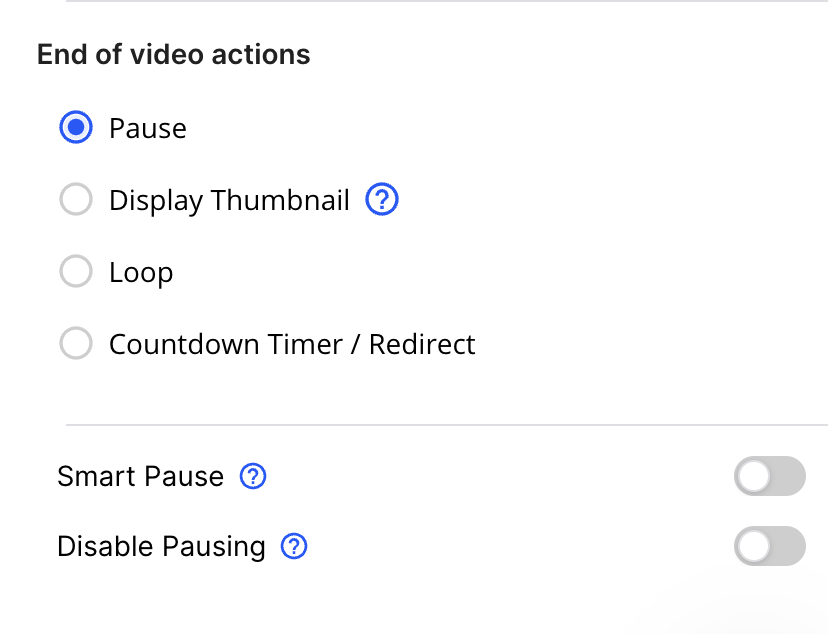
The Smart Pause feature in Vidalytics ensures that your video automatically pauses when a viewer switches tabs or navigates away from your page. This helps maintain viewer engagement by preventing distractions and ensuring that your message is delivered effectively.
How to Enable Smart Pause
Step 1: Access Video Settings
-
Navigate to your Video Settings page inside Vidalytics.
Step 2: Locate Playback Settings
-
Scroll down to find the Playback section.
Step 3: Toggle Smart Pause On
-
Find the Smart Pause option.
-
Enable the toggle to activate Smart Pause.
-
Save your settings and publish your changes.