
Create folders and move videos into existing folders - straight from the Upload page!
This means you no longer have to navigate to the My Vids page to organize your content. You can upload, organize, and customize your videos straight from the Upload page. We hope this new feature will make it easier for you to manage your videos on our platform.
For you to be able to upload your videos directly into folders simply follow these steps.
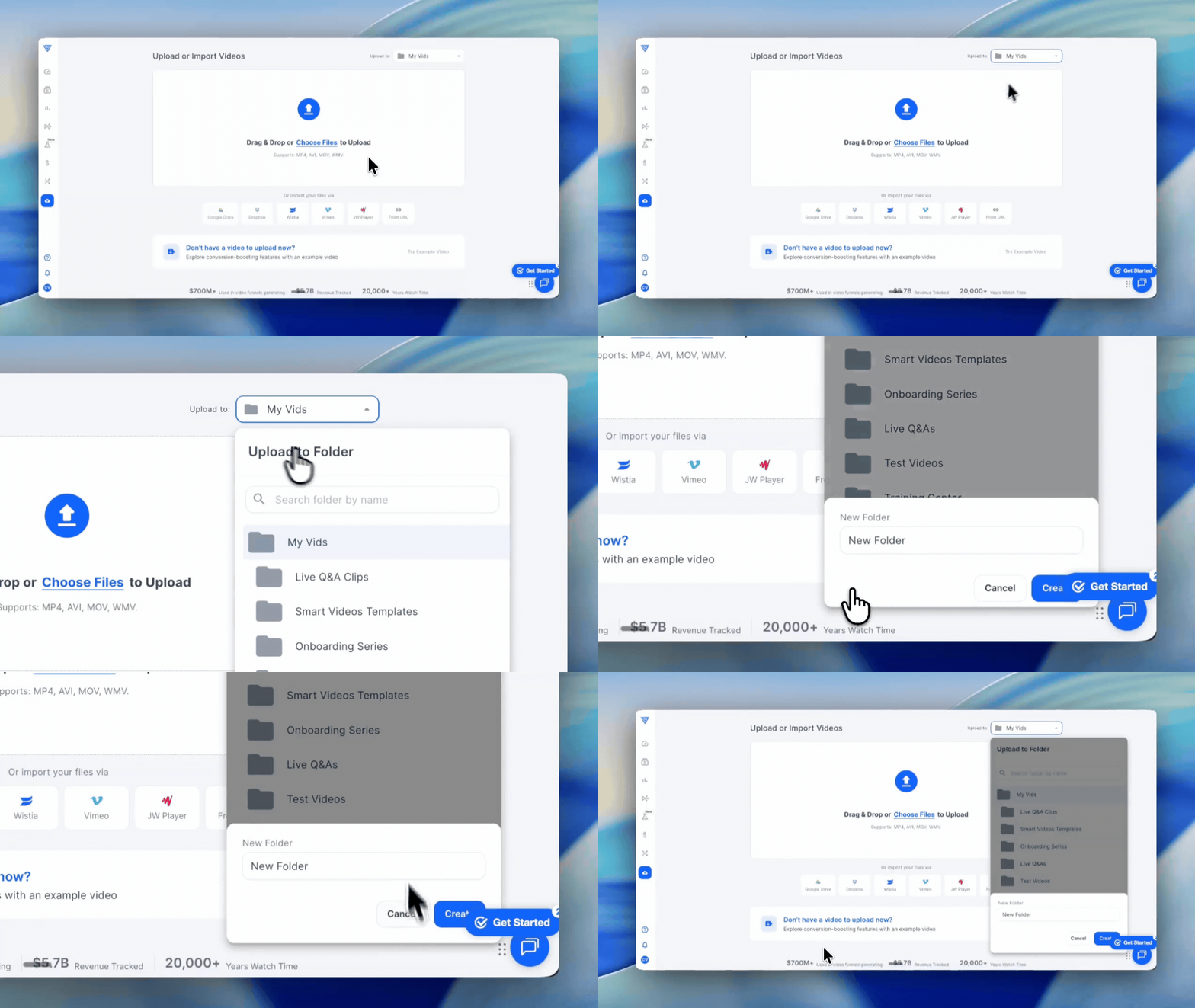
1. Select your folder first — before uploading, look for the folder selector in the top right corner of the Upload page. Here you can either select an existing folder from your account or create a new one by clicking + Folder. This ensures your video lands in the right place as soon as it finishes uploading.
2. Upload your video — once you have selected or created your destination folder, proceed with your upload as usual — either drag and drop your file or click the Upload button to browse and select it from your computer.
You are done! — your video will upload directly into the folder you selected. No extra moving or reorganizing needed after the fact.
Tip: Always select your folder before starting the upload. If you skip this step, your video will upload to your main library and you will need to move it manually afterward.
If you have questions, feedback, or need assistance, contact our Customer Happiness Team at hi@vidalytics.com. 😊