Once you have created your site using Kartra you are now ready to embed your Vidalytics video. For this follow these easy steps:
1. Remove the Video element: If your site template includes a video element please remove it as you wont be embedding your Vidalytics video using this element.
2. Add an Empty Section: On the left sidebar, click Sections > Empty Section. Then, drag the empty block to wherever you want to place the video.
3. Edit Source Code: On the right side of the empty block, click the red gear icon and select Edit source code. This will open the settings of the source code for this section.
4. Add your Embed Code: Delete the placeholder code and paste your Vidalytics embed code. Hit Save.
CLICK below to access the step by step walkthrough video.
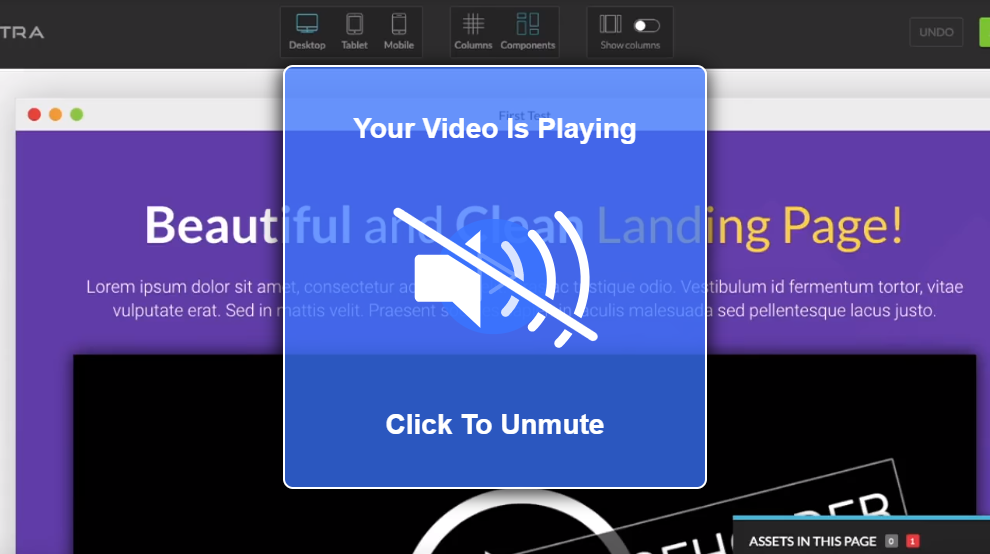
Note: The video will not be visible on the page builder, but you will see it when you preview the page.
If you have questions or need support, contact us our Customer Happiness Team at hi@vidalytics.com